
The Journal
Written by: ACRE | Published On: 27.08.2026
ZO Skin Health® at ACRE: The Complete Launch Guide for Clinics
ACRE is the exclusive UK pharmacy partner for ZO Skin Health®. This guide explains what the partnership means, how existing clinics can activate their accounts and how new clinics can explore adding ZO Skin Health to their professional skincare offering.
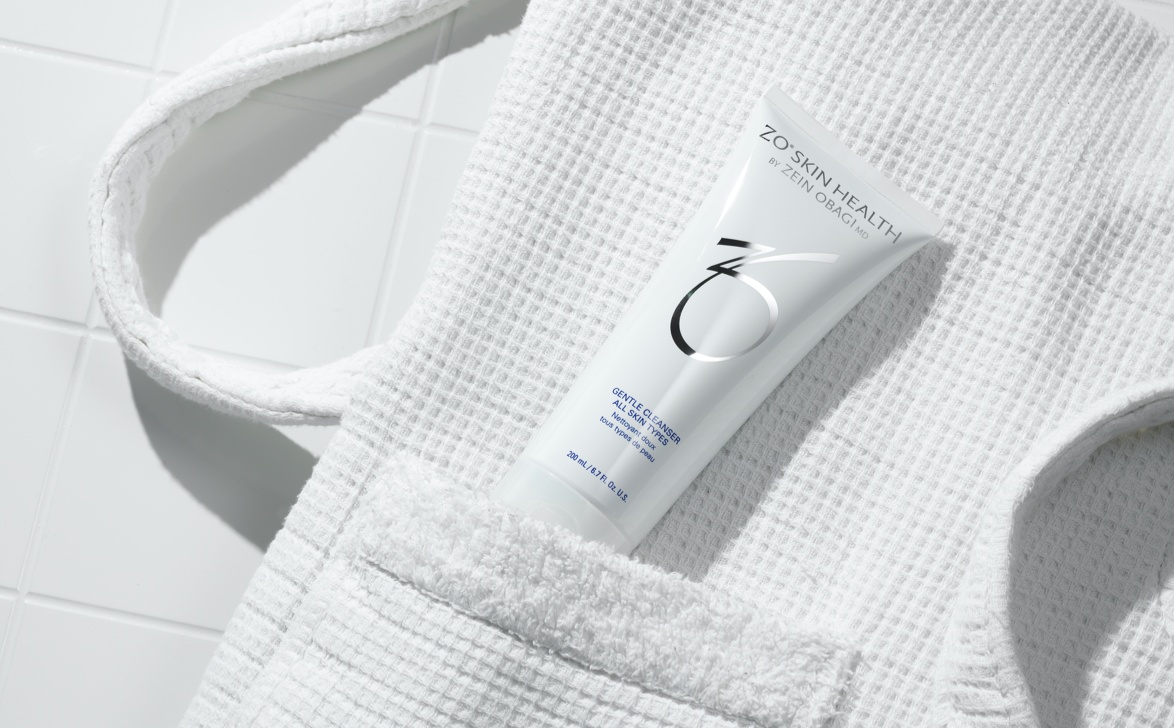
The partnership brings ordering, fulfilment, customer support, education and account management together through ACRE. Individual patient assessment, prescribing and product recommendations remain the responsibility of the appropriately qualified practitioner.
Who the launch supports
What the ACRE partnership includes
The objective is to give clinics a clear operational route for managing ZO Skin Health alongside their wider ACRE account. Depending on eligibility and the services available, clinics can access:
· Ordering through the ACRE with the dedicated ACRE Customer Portal to track product usage and spend
· Pharmacy-led account and prescription infrastructure
· UK-based Customer Service
· Available Next Day UK delivery as standard, same day London delivery for eligible postcodes and collection services
· Delivery information and tracking where supported
· Dedicated account-management support
· Education through ZO Skin Health, ACRE Academy, webinars and events
· Access to the wider ACRE pharmacy and aesthetics portfolio
For existing ZO Skin Health clinics
The first priority is to activate the correct account rather than create a duplicate. Look for your ACRE activation or password-reset email, then complete the required clinic and prescriber verification.
1. Find the activation email linked to your clinic.
2. Create a password and sign in to the portal.
3. Check the clinic, contact and delivery information.
4. Complete the current verification process.
5. Arrange access for the appropriate clinic users.
6. Confirm stock and delivery information before placing time-sensitive orders.
The detailed Migration Guide includes troubleshooting for missing emails, expired links, changed contact details and name discrepancies.
For clinics new to ZO Skin Health
Introducing a professional skincare system is an important decision for your clinic. Before opening the range, agree how your clinic will assess patients, train the team, record recommendations, manage stock and define the patient needs the range will support.
· Nominate a clinical or education lead.
· Complete the relevant approved training.
· Agree who can recommend, prescribe or order each product type.
· Set a sensible opening range and replenishment plan.
· Build patient education and follow-up into the pathway.
Ordering through the ACRE
Once the account is active and the relevant verification is complete, eligible products can be ordered through ACRE. The ACRE Customer Portal provides a central place to manage orders and access the account information available to your clinic.
Account users should have individual access appropriate to their role. Contact ACRE if the clinic needs additional users, amended permissions or help matching an existing account.
Prescription products and verification
Some products or ordering functions may require additional prescriber or clinic verification. Follow the process provided by ACRE and use the approved secure route for any identity or professional-registration documentation.
The clinic remains responsible for patient assessment, prescribing decisions, consent, records and follow-up. ACRE’s role is to provide the pharmacy infrastructure and support required to process eligible orders appropriately.
Delivery and collection options
Delivery services vary according to location, stock, order type, eligibility and cut-off times. Depending on the account and current service availability, options may include UK Next Day delivery, selected same-day London services or London collection.
The service and timing available for a specific order should be confirmed through the ordering journey or with Customer Service. Avoid presenting any delivery timing to a patient as guaranteed until the order has been accepted and the service confirmed.
Education and team confidence
ZO Skin Health is designed to be used through informed, practitioner-led recommendations. Education is therefore a central part of the clinic relationship.
Relevant support may include:
· Portfolio and product education
· Guidance on using approved language and patient materials
· ACRE Academy content
· Webinars and clinical events
· Support onboarding new members of the clinic team
· Information about current ZO programmes
ZO Circle Club
Eligible clinics may participate in the ZO Circle Club, a tiered programme managed by ZO Skin Health. Benefits can include education, marketing resources, merchandising and business-development support, with additional opportunities at higher tiers.
See the dedicated Circle Club guide for the current tier structure and speak to your account manager about how the programme applies to your clinic.
Dedicated account support
Your ACRE account manager can support the operational development of the relationship, including onboarding, relevant education, ordering questions and clinic growth planning. Product suitability and individual patient decisions remain with the practitioner.
Frequently asked questions
Can I order as soon as I create a password?
Ordering access may depend on completion of the relevant clinic and prescriber verification. Check the account status or contact Customer Service if a function is unavailable.
Will my existing patient routines need to change?
A change in ordering route does not itself determine a change in patient care. Review each routine according to current product information, the patient’s needs and the clinic’s clinical governance.
Can ACRE advise my patient which products to use?
ACRE supports the clinic relationship and does not replace the practitioner’s individual assessment. The appropriately qualified clinic professional should make and document patient-specific recommendations.
What happens if a product is unavailable?
Check the current information in the portal or contact the ACRE team. Do not substitute products within an individual routine without appropriate practitioner review.
Where can I find activation help?
Use the step-by-step Migration Guide or contact ACRE Customer Service using the current support details.
Ready to get started?
Existing ZO Skin Health clinics should activate the ACRE account linked to their clinic and complete verification. Clinics new to the brand can speak to ACRE about eligibility, education and the practical requirements of launching ZO Skin Health.


